CISA StopRansomware Checklist for Forum VPS Administrators
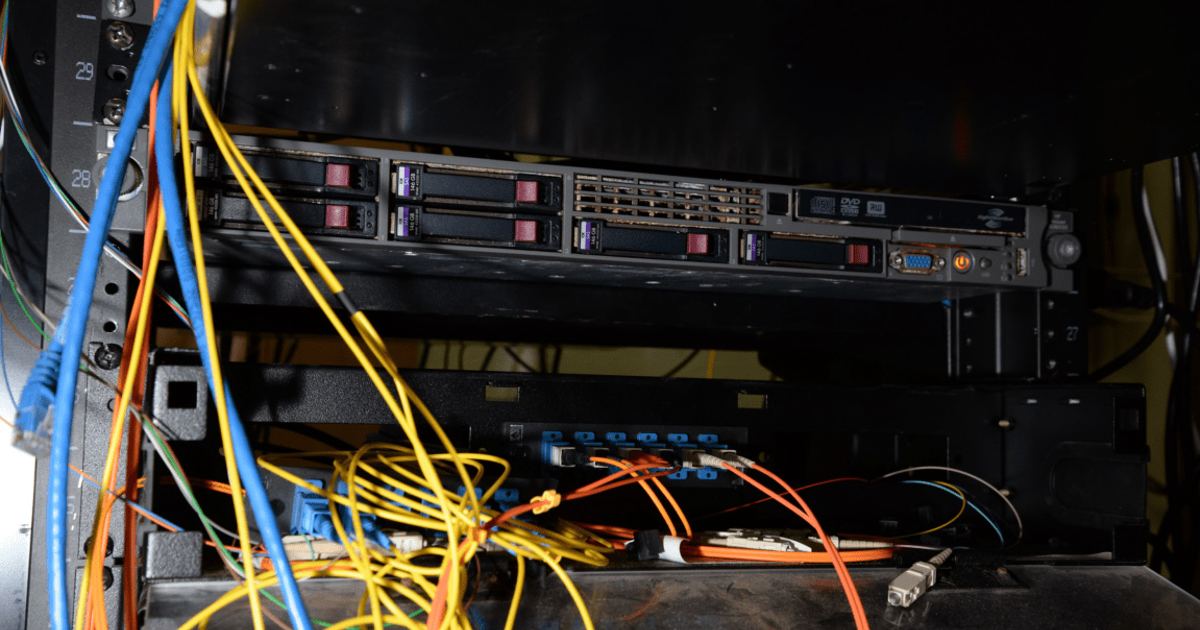
Running a community on a virtual private server means taking complete responsibility for your server operating system, database records, and user-uploaded media. Ransomware operations frequently target accessible file systems to encrypt critical data and demand payment for decryption, often combining this with data theft in a practice known as double extortion. The guidance in the #StopRansomware Guide by CISA provides an operational framework developed alongside the MS-ISAC, NSA, and FBI to protect critical infrastructure. Forum administrators can apply these baseline recommendations to ensure discussions and user data remain safe from server-level compromises.
Checklist Item 1: Isolate and Encrypt Database and Attachment Archives Offline
Many ransomware strains scan local file structures and connected shares specifically to delete or encrypt backups before hitting production databases, ensuring administrators cannot recover without paying extortion demands. Keeping your archives isolated is a foundational requirement aligned with Cross-Sector Cybersecurity Performance Goal CPG 2.R.
- Store forum database dumps and user attachment directories in encrypted formats.
- Maintain offline copies of all critical backups so an active server compromise cannot reach or manipulate secondary storage.
- Retain original software source code or executables alongside offline archives, ensuring you can rebuild even if hardware differences cause installation problems.
If you need a refresher on scheduling database dumps and directory archives, review our guide on how to back up your forum.
Checklist Item 2: Build Golden Images and Template Deployments
Rebuilding a broken forum environment from scratch during an incident creates extended downtime. CISA guidance highlights maintaining updated golden images—preconfigured operating system and application templates—that allow rapid redeployment to a fresh virtual machine or server under CPG 2.O.
Administrators deploying through cloud platforms should codify environment settings using infrastructure as code (IaC). Keep template files version-controlled, audit changes routinely, and store IaC templates offline. Running static security scanning against templates before deployment helps spot misconfigurations before they go live, while periodic checks for configuration drift identify unapproved changes made outside your deployment baseline.
Checklist Item 3: Lock Down Ports and Internet-Facing Services
Unsecured administrative access routes represent a primary initial access vector for ransomware actors. CISA and its partner agencies advise closing or disabling all unnecessary network protocols and operating system applications on internet-facing assets under CPG 2.W.
- Never expose remote desktop protocols directly to the web; audit networks to close unused remote desktop ports, such as TCP Port 3389 [CPG 2.X].
- Enforce multifactor authentication across administrative logins and remote entryways; if teleworker virtual private networks lack multifactor authentication, enforce passwords of 15 or more characters.
- Disable Server Message Block protocol version 1 (SMBv1) and upgrade to SMBv3; where applicable, require SMBv 3.1.1, which adds pre-authentication integrity, advanced AES encryption, and cryptographic signing.
For additional server hardening practices, check our checklist on forum admin security steps.
Checklist Item 4: Test Disaster Recovery and Storage Configurations
An untested archive provides no guarantee of recovery. The CISA #StopRansomware Guide emphasizes testing backup procedures and verifying data integrity within realistic disaster recovery scenarios on a regular schedule.
When selecting cloud storage targets, consider utilizing a multi-cloud strategy to prevent vendor lock-in and avoid situations where an issue with a single provider locks you out of your backups. If your provider supports immutable storage solutions, use them with caution; immutable systems can generate significant costs if misconfigured and may not satisfy certain regulatory requirements on their own.
Checklist Item 5: Run Vulnerability Scans and Maintain Offline Plans
Threat actors prioritize exploiting known security flaws on internet-facing systems that handle public web traffic. Organizations should conduct regular vulnerability scanning to spot internet-facing weaknesses and reduce exposure under CPG 1.E. In addition, CISA provides a no-cost Vulnerability Scanning service accessible through its cyber resource hub [CPG 1.F].
Finally, draft an incident response plan and communications plan under CPG 2.S that includes notification procedures for data extortion. Store a hard copy and an offline digital version of the plan, and ensure procedures account for state breach notification rules if user information or personally identifiable data is compromised.
Sources
Published October 28, 2026. No affiliate links on this page. Facts come from the sources linked above; check them for updates.