Forum admin security: 10 steps to protect your forum
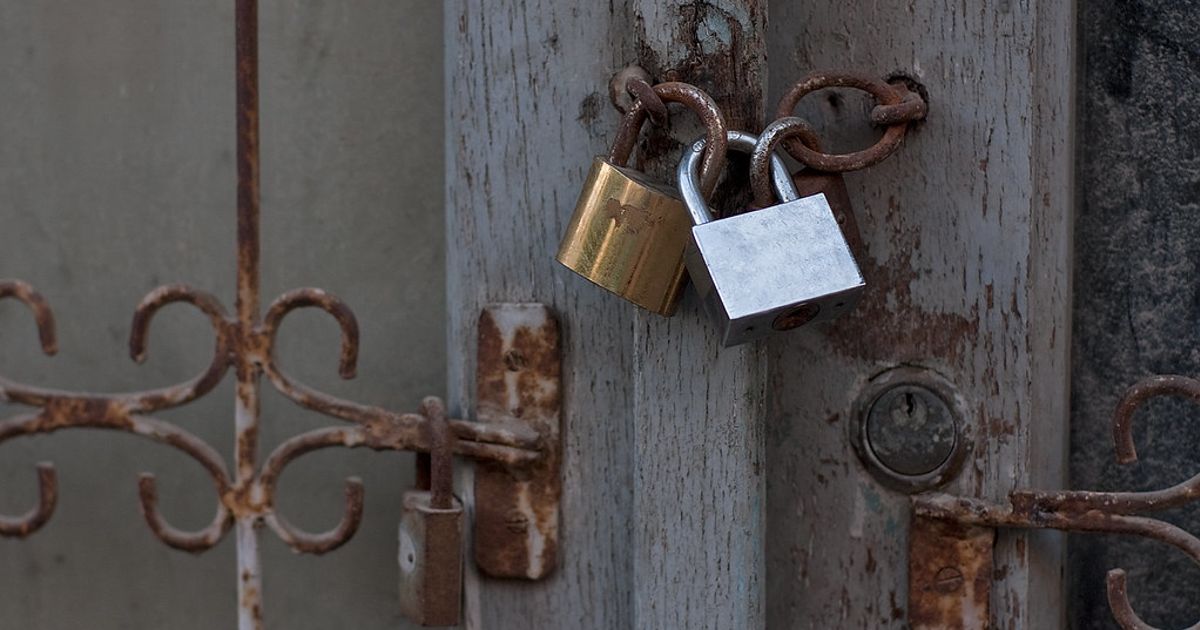
If an attacker gets into an administrator account, they can delete your forum, steal member data or fill it with spam. Most takeovers come from reused passwords and outdated software. Here's how to lock things down.
Key takeaways
- Turn on multifactor authentication for every admin and moderator account.
- Keep forum software, extensions and themes updated.
- Back up regularly and test that you can restore.
The 10 steps
- Turn on multifactor authentication (MFA) for admin, hosting and email accounts. See CISA: Turn on multifactor authentication.
- Use long, unique passwords stored in a password manager. See CISA: Use strong passwords.
- Secure the email account tied to your admin account; it can reset everything else.
- Update promptly: forum software, extensions and themes. Subscribe to your software's security announcements.
- Use least privilege: moderators get moderator permissions, not admin. Remove access when people step down.
- Remove unused extensions and themes.
- Use HTTPS everywhere on the site.
- Protect the admin panel: some software lets you require re-authentication or limit admin access by IP.
- Back up the database and files regularly, store copies off the server, and test restores. See our backup guide.
- Watch the logs: review admin and moderator logs for unexpected changes and failed logins.
If you think you've been hacked
- Change passwords for hosting, database, email and admin accounts from a clean device.
- Check for new admin users and unfamiliar extensions.
- Restore from a clean backup if needed, then update everything.
- If member data may be exposed, check your legal duties to notify them.
More small-site security guidance: NIST Small Business Cybersecurity Corner. Related: spam prevention.
Published October 25, 2026. We do not use affiliate links on this page; see our Affiliate Disclosure.