Planning a Safe Synapse Server Upgrade Path
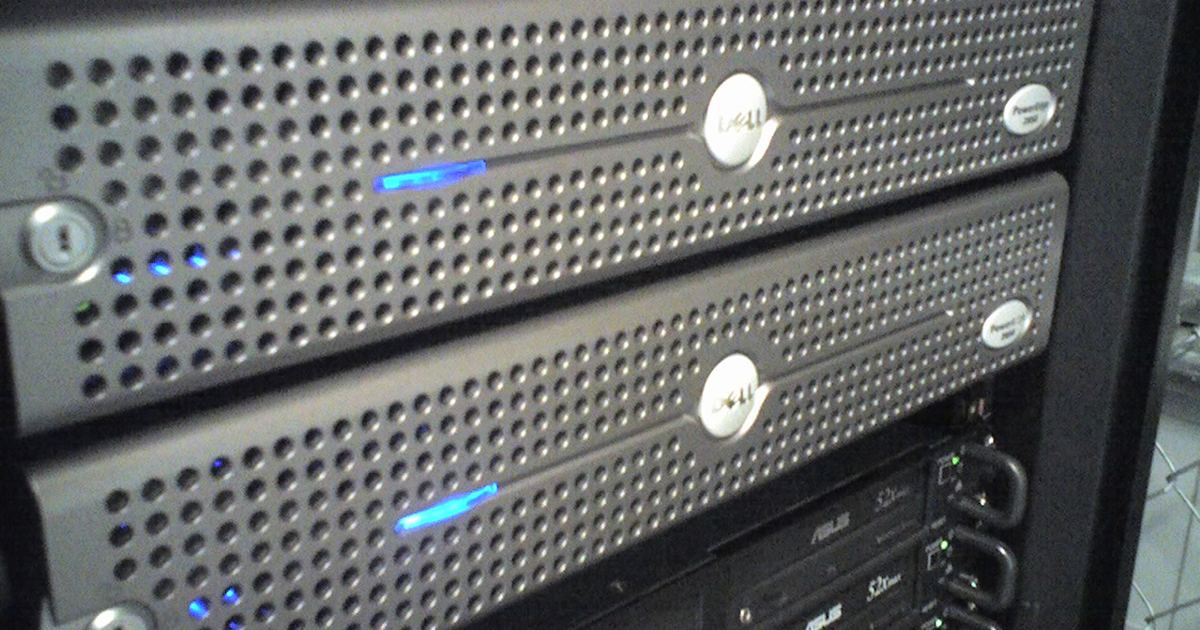
Running a Matrix homeserver provides communities with reliable, self-hosted messaging alongside traditional message boards. However, maintaining the software requires careful planning across database migrations, operating system dependencies, and configuration deprecations. Rushing directly to the latest release without walking through schema compatibility steps can freeze your server or block rollbacks. Following a staged upgrade timeline ensures your community experiences minimal downtime while preserving database integrity.
Stage 1: Verify Host Dependencies and Repository Keys
Before touching your installation, confirm that your hosting platform meets current upstream lifecycles. Synapse follows upstream lifecycles for Python and PostgreSQL and drops support for unmaintained releases. When preparing your server environment, check the following foundational shifts:
- Database Engine: Synapse v1.143.0 dropped support for PostgreSQL 13, requiring administrators to run PostgreSQL 14+.
- Interpreters and Local Storage: Synapse v1.142.0 raised runtime requirements to Python 3.10+ (up from v3.9) and SQLite 3.40.0+ (up from 3.27.0). Docker base images were also updated to Debian trixie with Python 3.13 as of v1.141.0.
- Operating System Support: Distributions reach their natural end of life over time. Ubuntu 24.10 dropped out of support on 10 Jul 2025 (removed in v1.138.2), Ubuntu 25.04 ended on 17 Jan 2026 (removed in v1.146.0), and Ubuntu 25.10 concluded support on 2026-07-01 (removed in v1.158.0 in favor of Ubuntu 26.04).
- Package Keyrings: If you use prebuilt Debian or Ubuntu packages from packages.matrix.org, an expired signing key error showing
EXPKEYSIG F473DD4473365DE1requires downloading the fresh keyring before packages can update. The old version of the repository key expires on 2027-03-15.
For more context on integrating federated chat alongside your board, review our Synapse Matrix Homeserver Profile.
Stage 2: Map Database Schema Boundaries and Rollback Safe Points
Administrators jumping from an older installation should not attempt a single leap to the newest build without mapping schema milestones. According to the official documentation on Upgrading between Synapse Versions - Synapse, rolling back can be difficult due to database schema adjustments between releases. Synapse does not provide a list of every version that must be installed, but it recommends stepping through each incompatible database schema boundary so that you retain the maximum number of rollback versions if unexpected issues occur.
Database schema compatibility spans defined version blocks. For example, releases from v1.58.0 through v1.61.1 can safely roll back to v1.57.0, whereas v1.62.0 can only revert to v1.61.0. Later iterations expand these ranges: installations running v1.98.0 through v1.105.0 can roll back to v1.96.0, while deployments across the wide range from v1.105.1 through v1.164.0 are safe to roll back to v1.100.0. Before initiating an upgrade pass across these boundaries, always safeguard your data using the steps in our guide on How to Back Up Your Forum.
Stage 3: Review Configuration and Feature Deprecations
Once schema boundaries are identified, audit your configuration files for options that have changed or been deprecated:
- Profile Permissions: In v1.163.0, setting
limit_profile_requests_to_users_who_share_roomsnow requiresrequire_auth_for_profile_requests: true. Synapse will refuse to start if the room check is enabled without the authentication requirement. - Third-Party Identifiers: Synapse v1.163.0 changed the default value of
request_token_inhibit_3pid_errorsfrom false to true to conceal whether an email address matches an existing account. - Worker Media Streams: From v1.152.0 onward, deployments that offload quarantine endpoints to a worker process must add those workers to the
quarantined_media_changesstream writer list. - Authentication Delegation: As of v1.157.0, experimental MSC3861 delegation was dropped in favor of stable Matrix Authentication Service integration.
- Storage Extensions: Deployments utilizing
synapse-s3-storage-providermust ensure the module is updated to v1.6.0 or higher to maintain upload and download functionality.
Stage 4: Execute the Staged Installation Workflow
After adjusting configurations, execute the update within your environment. If you run Synapse inside a Python virtual environment, activate it and upgrade the package:
source ~/synapse/env/bin/activate
pip install --upgrade matrix-synapse
When installing from source or building with extras, supply your components directly, such as pip install --upgrade ".[postgres,oidc]", or invoke poetry install --extras all. Note that the matrix-synapse[systemd] pip extra was removed in v1.150.0; admins using journal logging in their configuration must manually install systemd-python. Once updated, restart the server daemon using synctl restart.
Stage 5: Verify Deployment and Monitor Background Migrations
Immediately after restarting, verify that the daemon is answering requests by checking the server version endpoint:
curl http://localhost:8008/_synapse/admin/v1/server_versionSynapse refuses to start until mandatory database migrations complete. However, long-running schema updates operate as background updates while the service is online. As emphasized in the official Upgrading between Synapse Versions - Synapse instructions, you should always wait until background updates from an upgrade cycle finish before starting the next version jump. Query the Admin API to confirm running background tasks have cleared so migrations do not stack up and overload your database engine.
Sources
Upgrading between Synapse Versions - Synapse
Published October 31, 2026. No affiliate links on this page. Facts come from the sources linked above; check them for updates.