Federal Cybersecurity Guidance Checklist for Small Community Operations
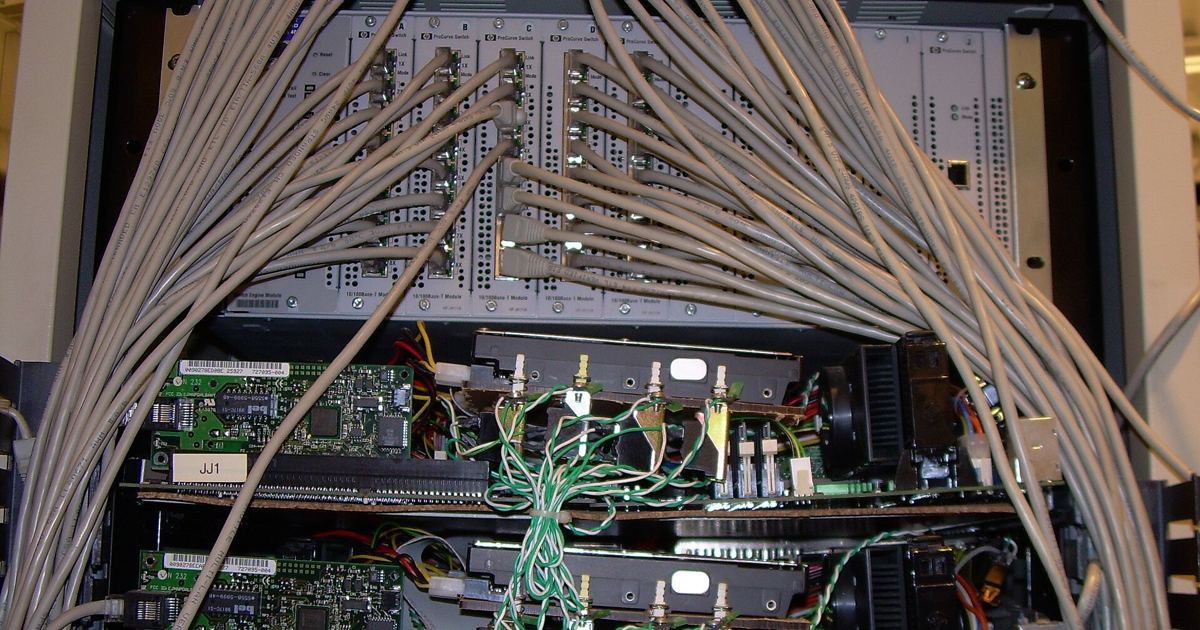
Operating an online discussion board or volunteer digital community involves handling member information, administrative credentials, and server configurations that face persistent digital perils. Smaller organizations often lack dedicated enterprise security departments, yet federal cybersecurity guidance provides structured, voluntary benchmarks that help teams evaluate their exposure. By translating recommendations from federal resources into a step-by-step operational checklist, community managers can establish defense-in-depth across six foundational functional areas.
1. Tap Federal Small-Business Portals and Regional Support
The National Institute of Standards and Technology (NIST) Information Technology Laboratory maintains the Small Business Cybersecurity Corner to aggregate timely guidance tailored to organizations with limited technical infrastructure. Community builders should review these official materials regularly to access structured training and locate local assistance:
- Regional program finder: Published October 5, 2026, the Small Business Cybersecurity Support Programs Finder assists small entities in locating programs across the United States hosted by non-profit institutions that provide dedicated services to help their regional communities manage digital risks proactively.
- Community engagement: Federal experts host regular interactive sessions, such as the NIST Small Business Cybersecurity Community of Interest call scheduled for November 10, 2026, giving administrators access to peer discussions.
- Assessment documentation: Teams handling sensitive federal records can review resources like the Small Business Primer for NIST Special Publication 800-171A, Revision 3, which details core SP 800-171 assessment concepts, as well as presentation slides from the October 29 Cybersecurity Awareness Month webinar on Controlled Unclassified Information.
- Resource contribution: Organizations creating public tools can submit them to smallbizsecurity@nist.gov for potential inclusion if they are publicly available on the internet, accurate and comprehensive, and freely available for others to use.
2. Govern Community Risk and Third-Party Relationships
Under the voluntary NIST Cybersecurity Framework (CSF 2.0), the Govern function directs leadership to establish and monitor an organization's overall cybersecurity risk management strategy, expectations, and policy. Community operators must understand their legal, regulatory, and contractual requirements to prevent digital risks from disrupting their core mission.
Administrators should document and track these requirements while crafting, communicating, updating, and enforcing formal operational policies. Before entering into formal relationships with web hosting companies, software vendors, or technical providers, teams should thoroughly evaluate the risks posed by those third parties. Reviewing your administrative configuration alongside guidance like our Forum Admin Security checklist ensures operational policies align with established baseline protections, and leadership can determine whether acquiring cybersecurity insurance is appropriate for their risk profile.
3. Identify Hardware, Software, and Digital Assets
The Identify function requires organizations to understand the physical and digital assets upon which their community relies. You cannot protect what you do not catalog. Administrators must create, categorize, and maintain an accurate inventory encompassing hardware, software programs, applications, and services. This inventory includes devices such as laptops, smartphones, and administrative workstations, alongside all data collected from team members and community users.
Once an asset inventory exists, teams should identify and document specific risks to the community, its systems, and its individuals. Evaluating program effectiveness through frameworks such as the NIST CSF 2.0 profile helps uncover areas needing improvement. In addition, when hardware storage media or obsolete data files are no longer required, teams must securely sanitize and destroy them rather than leaving sensitive archives vulnerable to extraction.
4. Protect Infrastructure with Access Controls and Maintenance
The Protect function outlines safeguards designed to prevent or mitigate cybersecurity incidents across day-to-day community workflows:
- Access governance: Control who logs on to community networks and devices, strictly limiting access to sensitive assets to individuals who require it to perform operational tasks.
- Multi-factor authentication: Enforce multi-factor authentication across all staff, contractors, and individuals accessing administrative accounts, software consoles, and network endpoints.
- Software maintenance: Keep security software updated on a disciplined schedule, automating updates whenever feasible to patch software vulnerabilities and apply critical security fixes promptly.
- Credential and encryption baselines: Replace all default manufacturer passwords immediately, and encrypt sensitive community data both at rest in databases and storage media and in transit across networks.
- Staff education and backups: Maintain regular data backups, and train everyone who uses organizational devices and networks to recognize common attacks and practice foundational cyber hygiene.
5. Detect Unauthorized Intrusions and System Compromises
Even robust preventative safeguards require an active detection capability. The Detect function of CSF 2.0 instructs organizations to find and analyze potential attacks or system compromises before they cause widespread harm. For forum administrators, this involves continuously monitoring computers, devices, and software applications for unauthorized access attempts.
Community managers should investigate any unusual activities detected on the network or initiated by staff accounts. Regularly checking network infrastructure for unauthorized connections or rogue user accounts allows operators to discover malicious persistence early and initiate defensive responses before data integrity is compromised.
6. Establish Incident Response, Continuity, and Recovery Plans
When a disruption occurs, having structured plans prepared in advance enables the team to maintain essential community functions while executing coordinated technical defenses. Guidance highlighted through the Small Business Cybersecurity Corner emphasizes three interconnected response components:
- Incident Response Plan: A predetermined roadmap establishing how the organization will respond to a detected security incident and coordinate actions with third parties as required by regulations or policies.
- Disaster Recovery Plan: Procedures outlining how the community operation will respond to an unplanned outage or destructive event and successfully resume technical operations.
- Business Continuity Plan: Concrete operational measures ensuring the organization can continue operating during and immediately following a severe disruption.
Following an incident, the Recover function guides administrators in restoring impacted assets and operations. Keeping staff, users, and key stakeholders informed throughout recovery activities builds trust, while updating cybersecurity plans with lessons learned ensures the platform emerges more resilient.
Sources
- Small Business Cybersecurity Corner | NIST
- Cybersecurity for Small Business | Federal Trade Commission
Published October 30, 2026. No affiliate links on this page. Facts come from the sources linked above; check them for updates.